From My Experience
Early in my career, I went to an interview wearing a shirt that was two sizes too big. I spent the entire time pulling at my collar and adjusting my sleeves instead of answering questions. I was so distracted by my own messy outfit that I looked nervous and unprepared. I didn’t get the job. The lesson? If you’re uncomfortable in your clothes, it shows on your face.
I remember my first week at Prime Ads Hub: the mouse felt different, my favorite keyboard shortcuts didn’t work, and the screen looked washed out compared to my old setup. Small annoyances, but they add up when you’re trying to learn new systems fast. After four years there, I learned a simple rule: some changes are harmless and make you productive right away; others need a quick check with IT, because one wrong install can wreck more than just your machine.
Mistakes & their Solutions
Mistake
Using cracked apps
Messy desktop files
Risky extensions
Loud wallpapers
Personal passwords
Solution
Use official tools
Organize in folders
Ask IT for approval
Keep it neutral
Use private devices
Why Does Everyone Look at Me on My First Day at Work?
From My Experience I remember walking into the lunchroom at that Gulberg agency for the …
Read Full GuideWhy companies lock down devices (and why that’s reasonable for us too)
Work computers belong to the company. That’s obvious, but the consequences aren’t always. At Prime Ads Hub, we used centralized images and endpoint management, so machines stayed consistent and secure. That paid off most of the time, but not always. In 2022, a colleague downloaded a cracked copy of Cap Cut to edit a short promo. It seemed harmless, but it came bundled with malware that let attackers siphon files. We spent weeks containing damage and notifying affected partners. That one mistake taught the team—me included—how quickly an unauthorized app can spread risk.
What you can safely change on day one?
There are a few practical things you can usually tweak without asking:
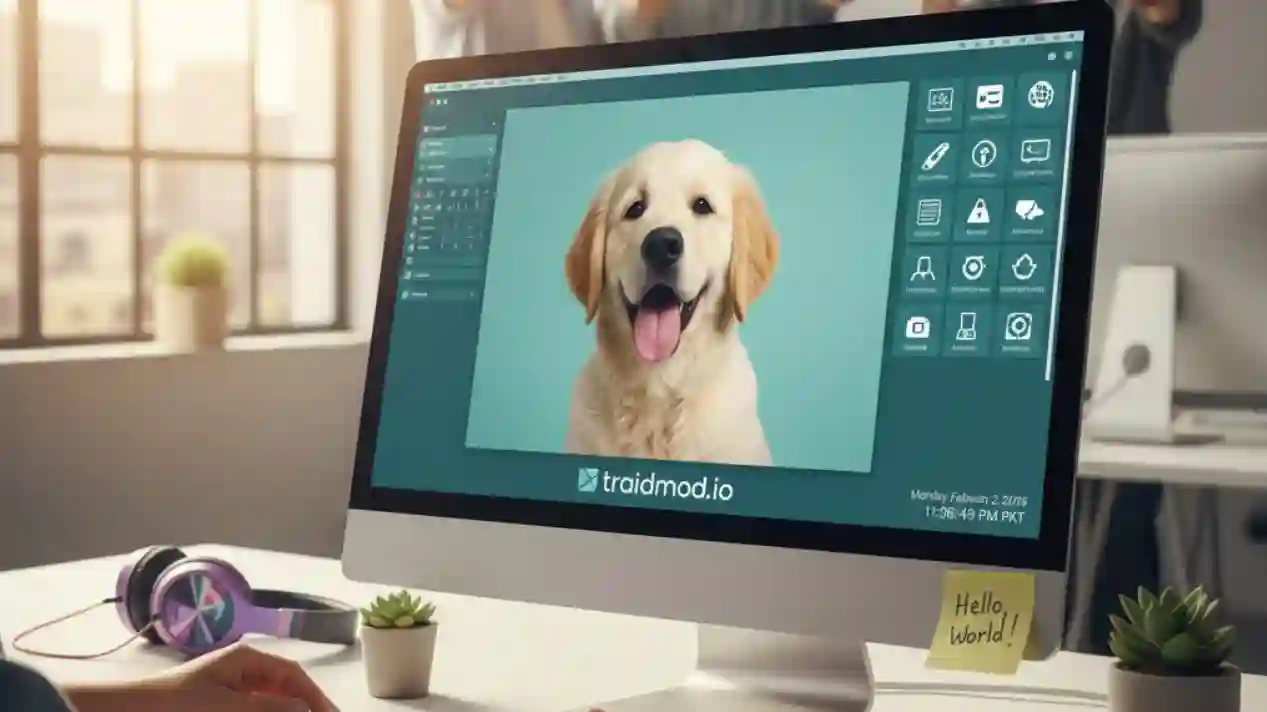
Pick something neutral and professional. A landscape, simple pattern, or company-branded wallpaper works well. Avoid personal photos that might make visiting managers uncomfortable.
Real Story:
On my first morning, I felt like a stranger sitting at a cold, clinical workstation. After ten minutes of feeling out of place, I swapped the default blue screen for a high-res photo of the Margalla Hills. It was a tiny, harmless change, but suddenly the desk felt like my desk, and the first-day anxiety finally started to fade.
Adjust these so your eyes don’t strain. If the company locks them centrally, IT can usually change them for accessibility reasons.
Organize the desktop so your most-used files are easy to find. Create a “Work in progress” folder to keep temp files tidy.
Add quick links for the internal tools you use daily — CRM, ticket system, knowledge base. This saves time and doesn’t affect security.
Even these small tweaks should follow workplace norms — don’t store personal passwords or private banking screenshots on a company drive.
Gray areas that deserve a quick check with IT
Some changes look small but can have hidden consequences:
Many extensions can read page content. If you want an ad blocker or productivity add-on, explain why IT should vet it. They may allow only approved extensions.
Tools that touch the system (drivers, clipboard managers, fancy window managers) can conflict with endpoint protection. Better to ask.
These affect network security and usually require IT approval.
Never install unvatted software. The cracked CapCut incident was a perfect example — what looked like a convenient shortcut caused a major breach.
How to ask IT so they’ll actually approve you?
Why Do I Keep Making Mistakes on My First Day?
From My Experience On my first day at an office in Gulberg, Lahore, I was …
Read Full GuideIT teams are busy and rightly cautious. Make their job easier:
Balancing comfort and company safety
Companies want employees to be productive, not miserable. Good IT processes exist to balance that: enable useful tools while blocking risky ones. After the CapCut breach, Prime Ads Hub introduced a simple approval flow that let people get legitimate, productivity-boosting apps installed quickly — without repeating the earlier mistake.
If you’re joining a new place, a respectful, evidence-backed ask to IT usually gets results. Say why you need the change, how it helps your work, and offer to test it. That way you get a setup that works for you and keeps the company safe.
A pro setup isn’t about the apps you add, but the security you keep.

Noman Durrani
Leave a Comment